Lab report 2AssignmentThu5 pm
Read as the date: 5pmthu → Thu, Oct 15
Type the date into the title
The title field reads days, dates and times out of what you type and leaves the rest as the name. Try anything.
In the planner, N opens this box.
Paste your syllabi. Every reading, quiz, exam and paper from every course lands on one page, with what you need on the final, counted.
No card to start. Reads PDF, Word or pasted text. Export any time.
Reads what they actually sent you. The text comes out of the file on your own device.
Overview, this week, calendar, timeline, plan and grades: the same items, drawn six ways, one click apart. Pick one.
The reader below is the real one, running in your browser. Pick a document and watch it find every date.
Three pieces of the planner, running on this page with the planner's own code. Type into them.
Read as the date: 5pmthu → Thu, Oct 15
The title field reads days, dates and times out of what you type and leaves the rest as the name. Try anything.
To finish with an A− you need 96% on what is left.
Weights in once, marks ticked off as they come back. Change a mark and the sentence changes with it. The lowest problem set is dropped, as the course drops it.
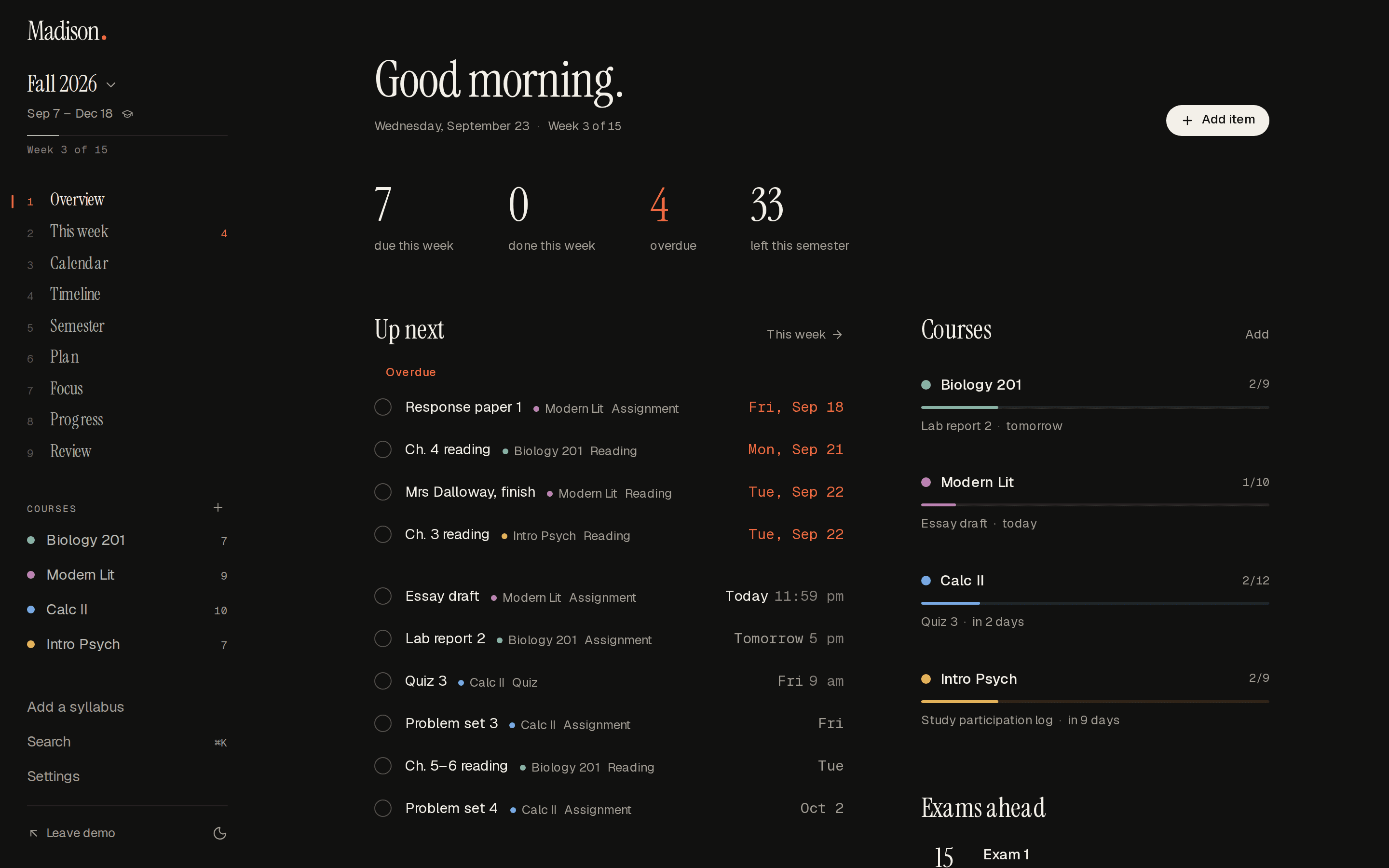
7 due this week.
Ch. 4 reading (Biology 201), Mrs Dalloway, finish (Modern Lit), Ch. 3 reading (Intro Psych), Essay draft (Modern Lit), and 3 more
Anything that is arithmetic over what is already on the page is answered at once, offline. Anything that is not, the planner offers to ask Claude.
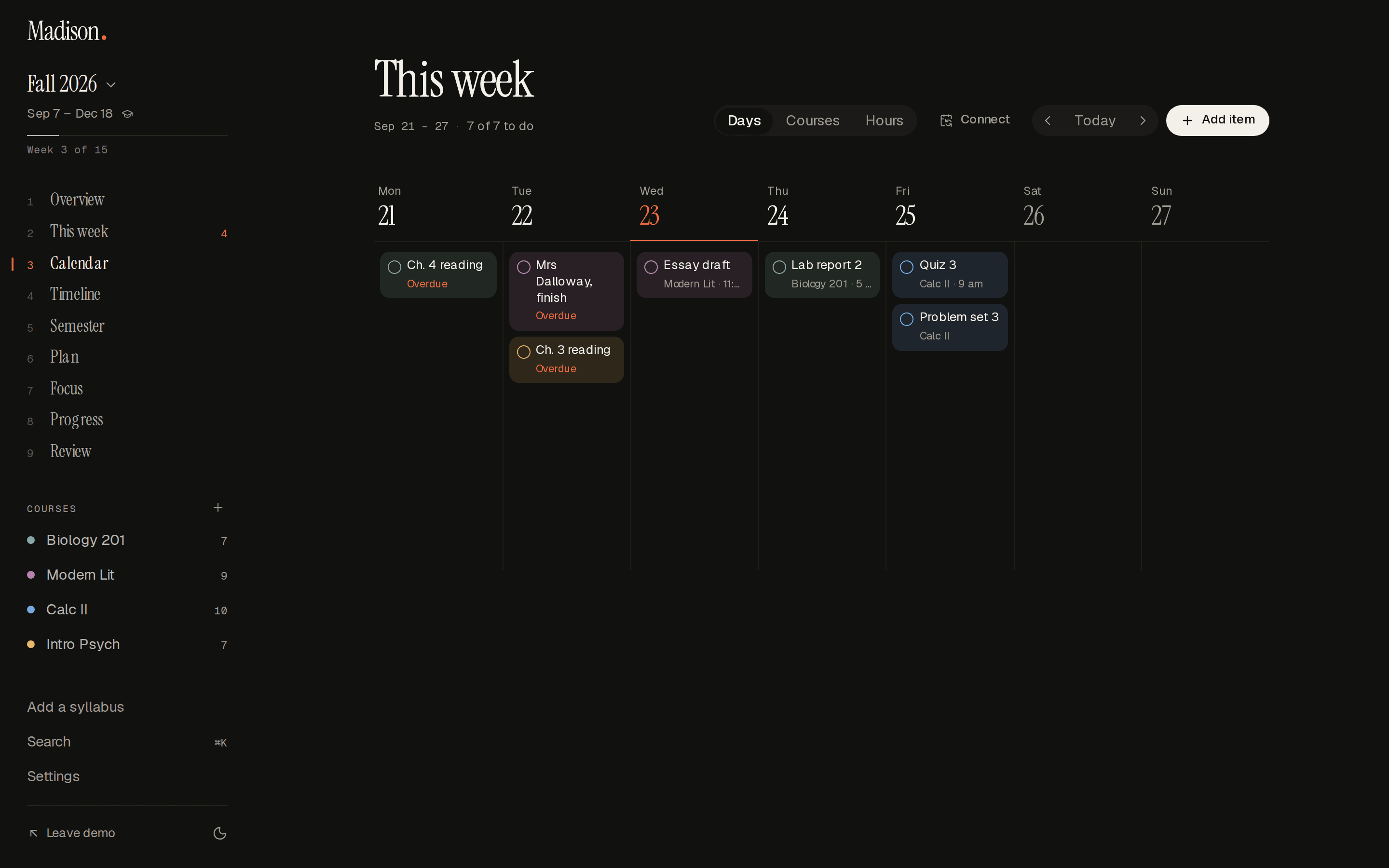
Seven days, every course at once, with what you are actually meant to do next at the top of it.
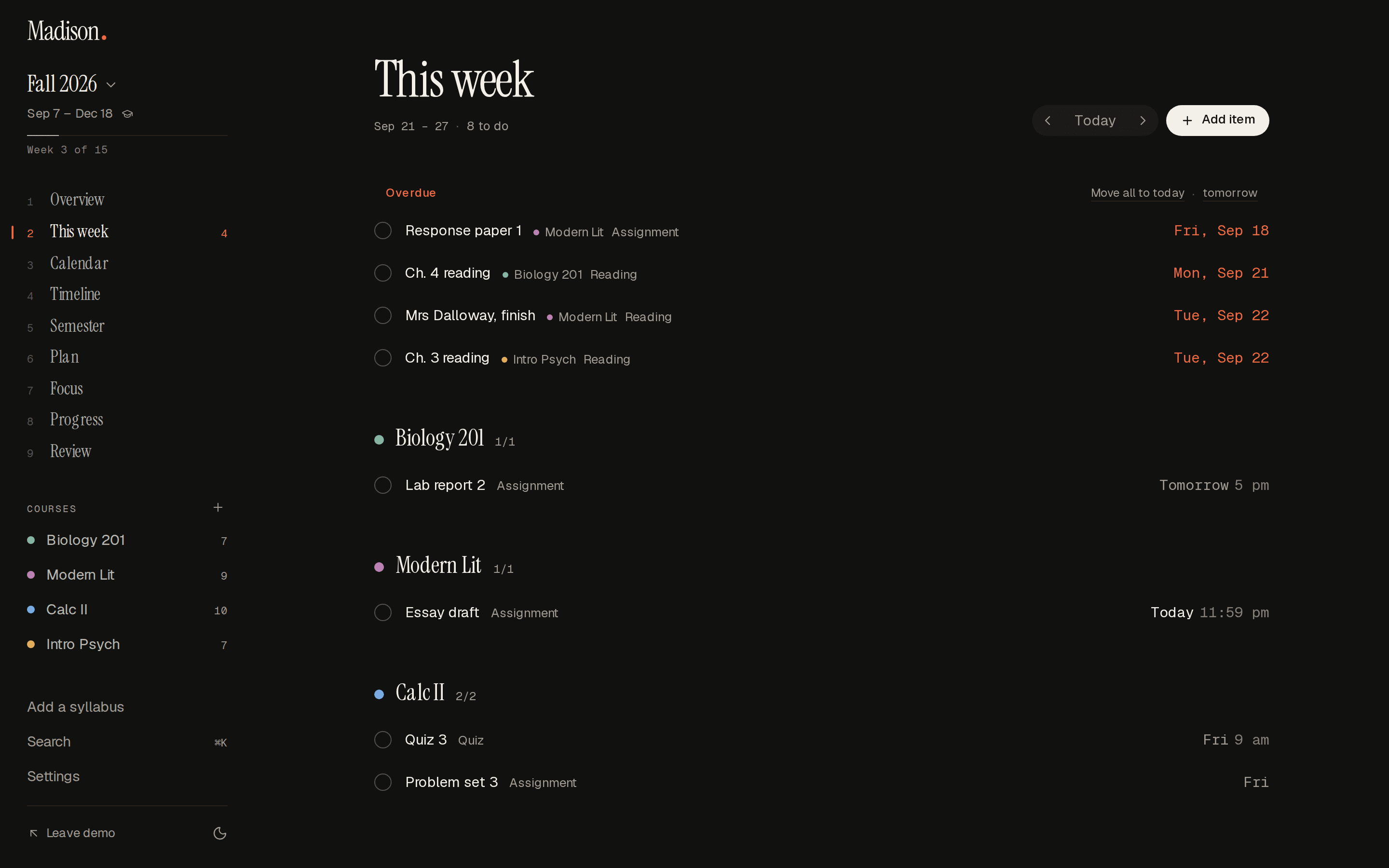
The page moves on at midnight by itself, in your timezone. Overdue means the time has actually passed.
“Lab report 2 thu 5pm” fills in the day and the hour. Shift+Enter saves and starts the next one.
Pick a row up and drop it where it now belongs. Or press a bracket to flip the week.
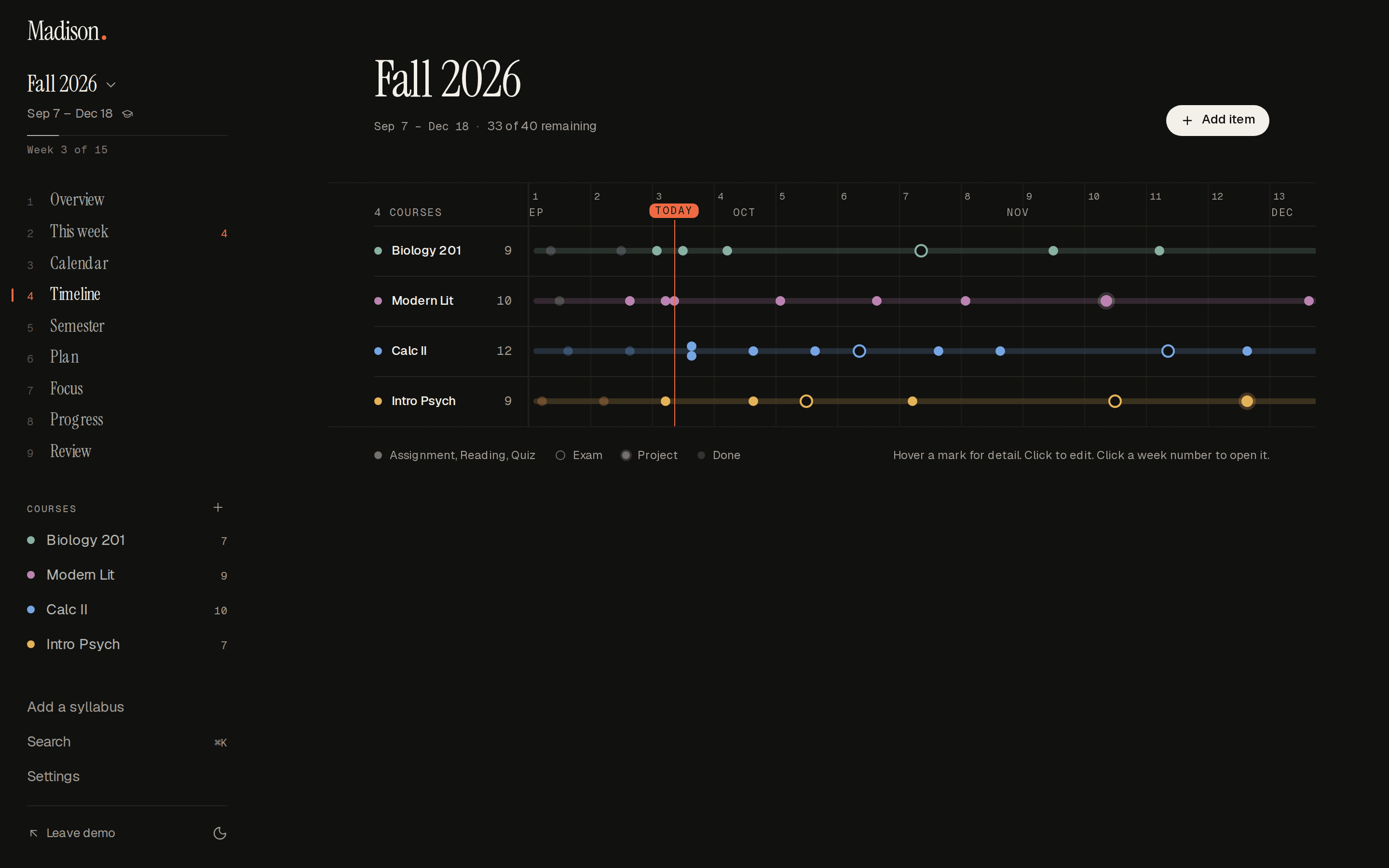
Fifteen weeks, a lane per course, one line for today. Exams are drawn hollow so you see them coming.
A hollow ring outranks everything beside it on the strip. You should see one coming for weeks.
Across every lane at once, so the shape of the next month is one glance.
Any week number on the strip opens that week in the calendar, every course at once.
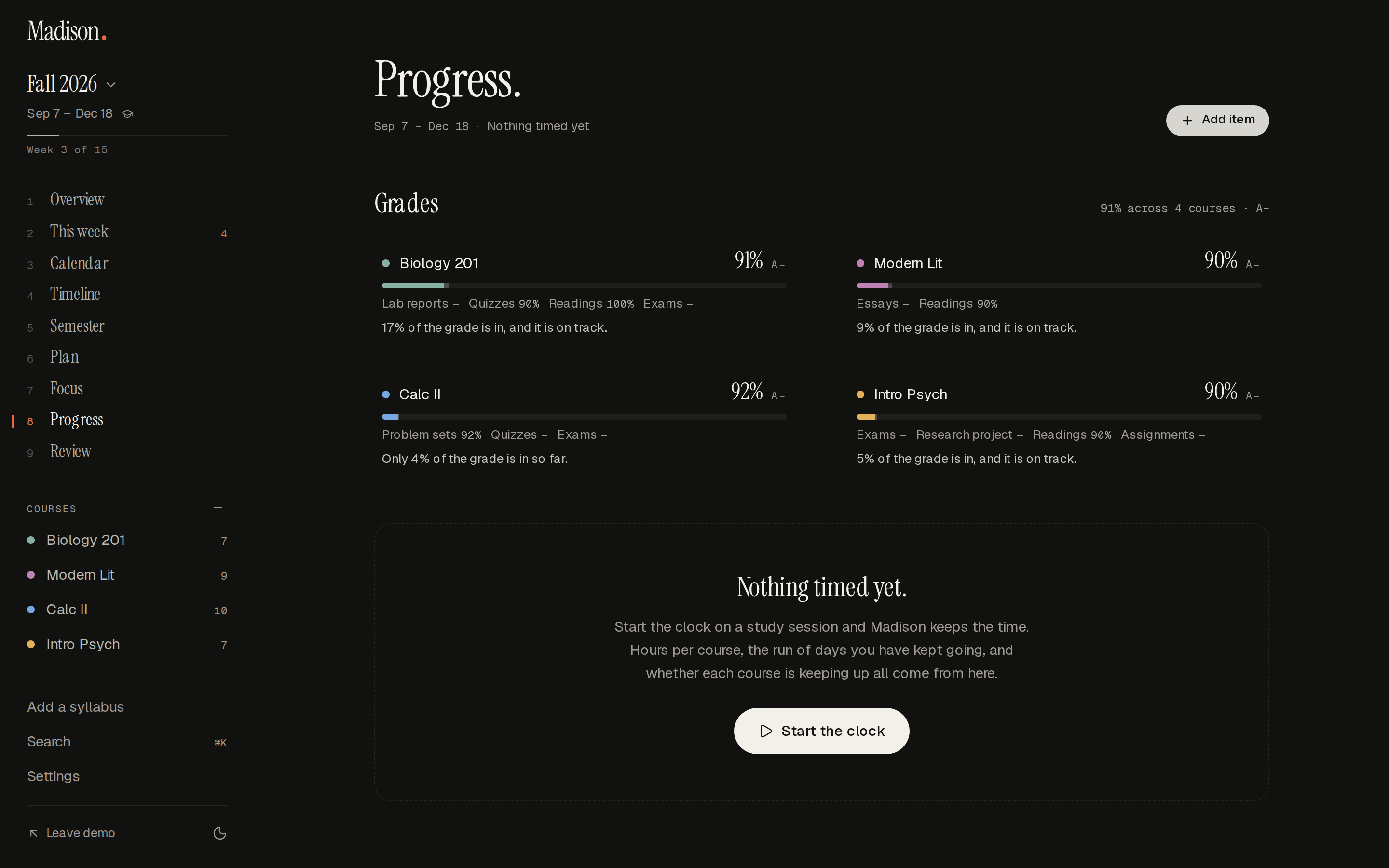
Put the weights in once, tick the marks off as they come back, and the number you actually want is on the page — not in a spreadsheet you meant to make.
Unmarked work is not treated as zero, so the figure in week four is the truth about week four, not a scare.
“Only 17% of the grade is in yet” is a different sentence from “you need 91%”, and it is the one that helps.
Lowest quiz dropped, best three of four — the rules the syllabus set, applied without arithmetic.
Everything below is in the demo, unlocked, without an account.
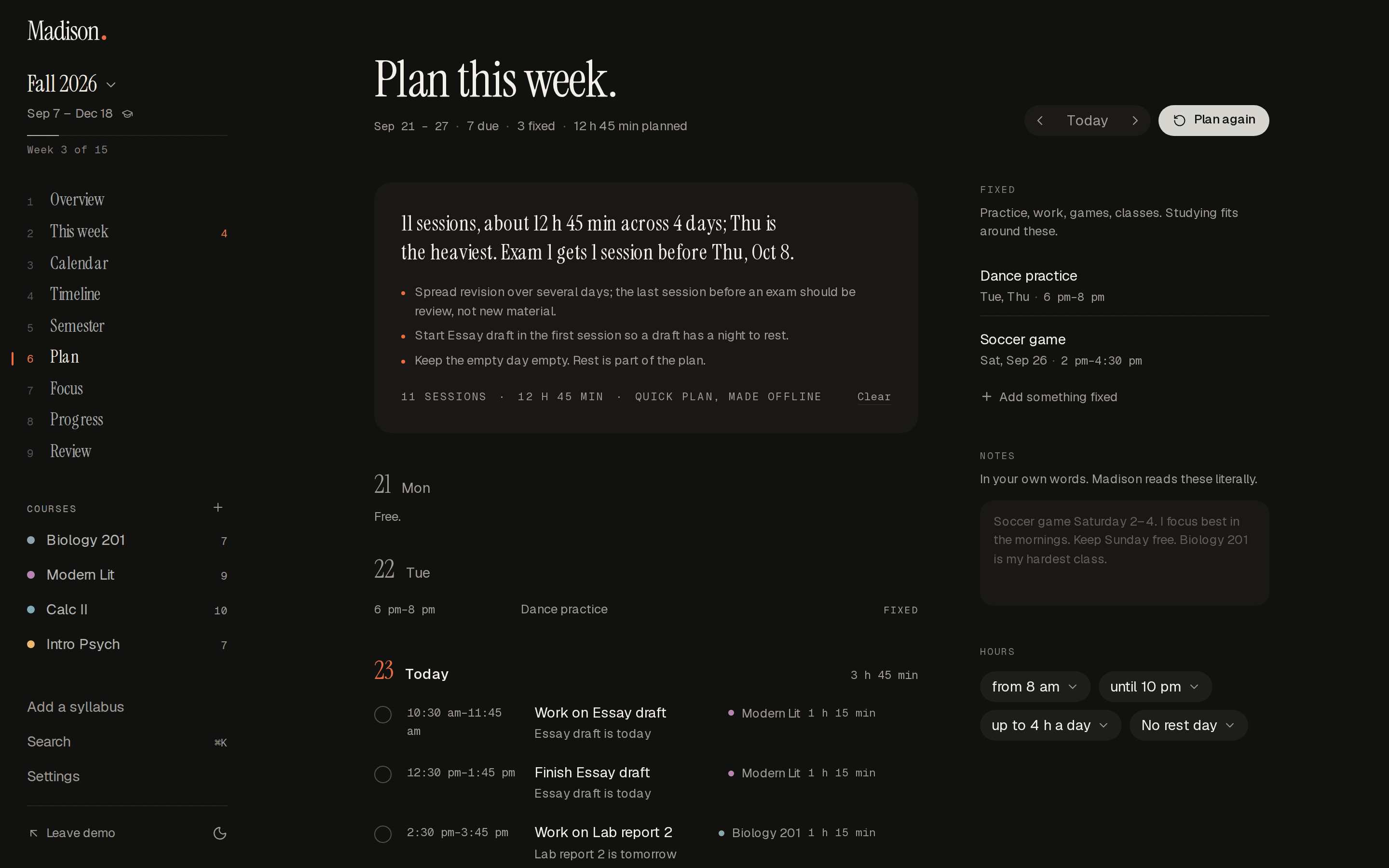
Fixed things first — practice, work, games — then study sessions around them, with a sentence saying why it chose what it chose.
Weights in once, marks ticked off as they come back. It counts what is in, says how much is in, and drops what the course drops.
One bar for every command: new item, add a syllabus, grades, export, and a question for Madison when none of those fit.
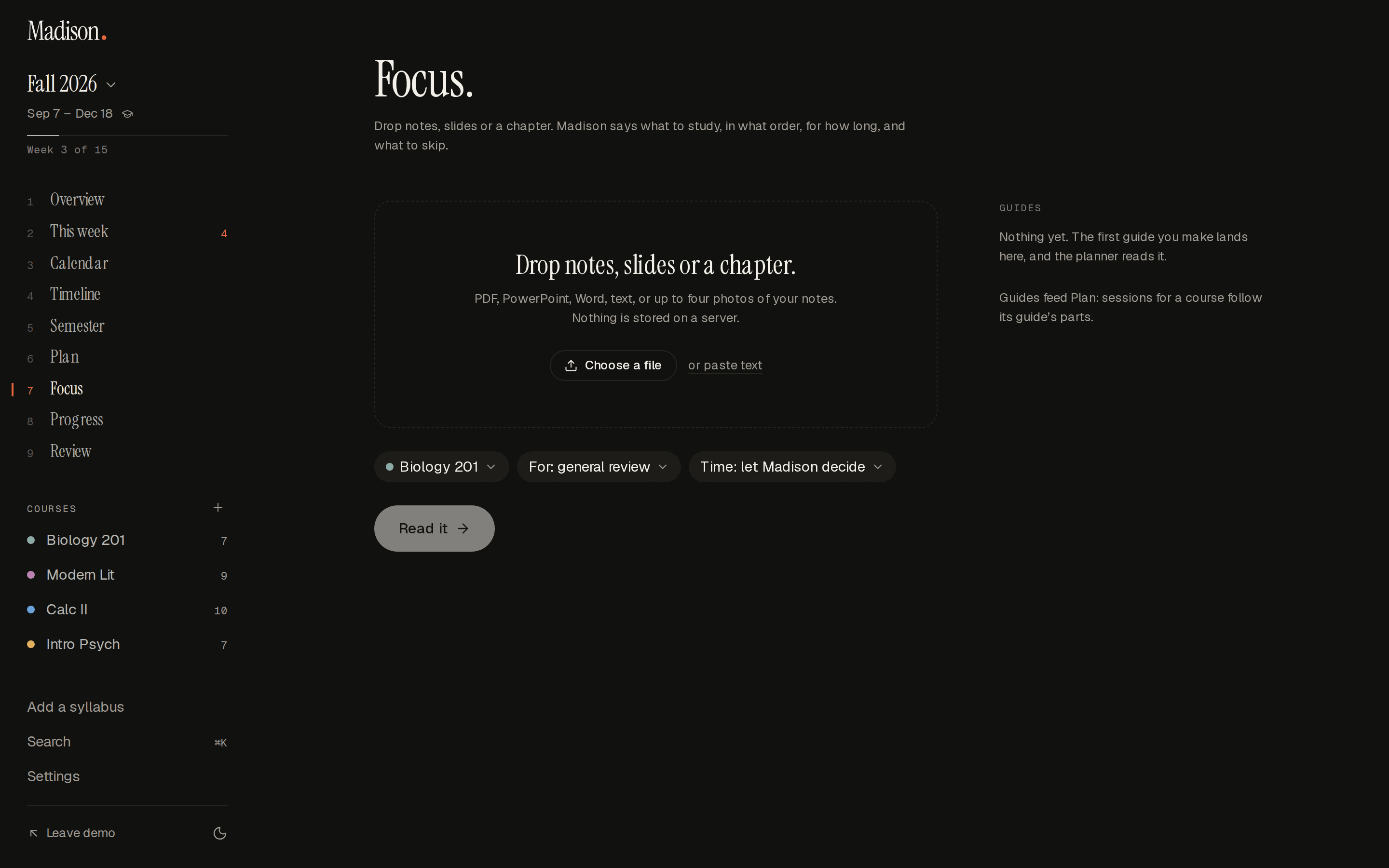
Drop notes, slides or a chapter and Madison says what to study, in what order, for how long. Then it keeps the time.
Each item can tell you about itself before it is due, at the hour you choose, on the device you are holding.
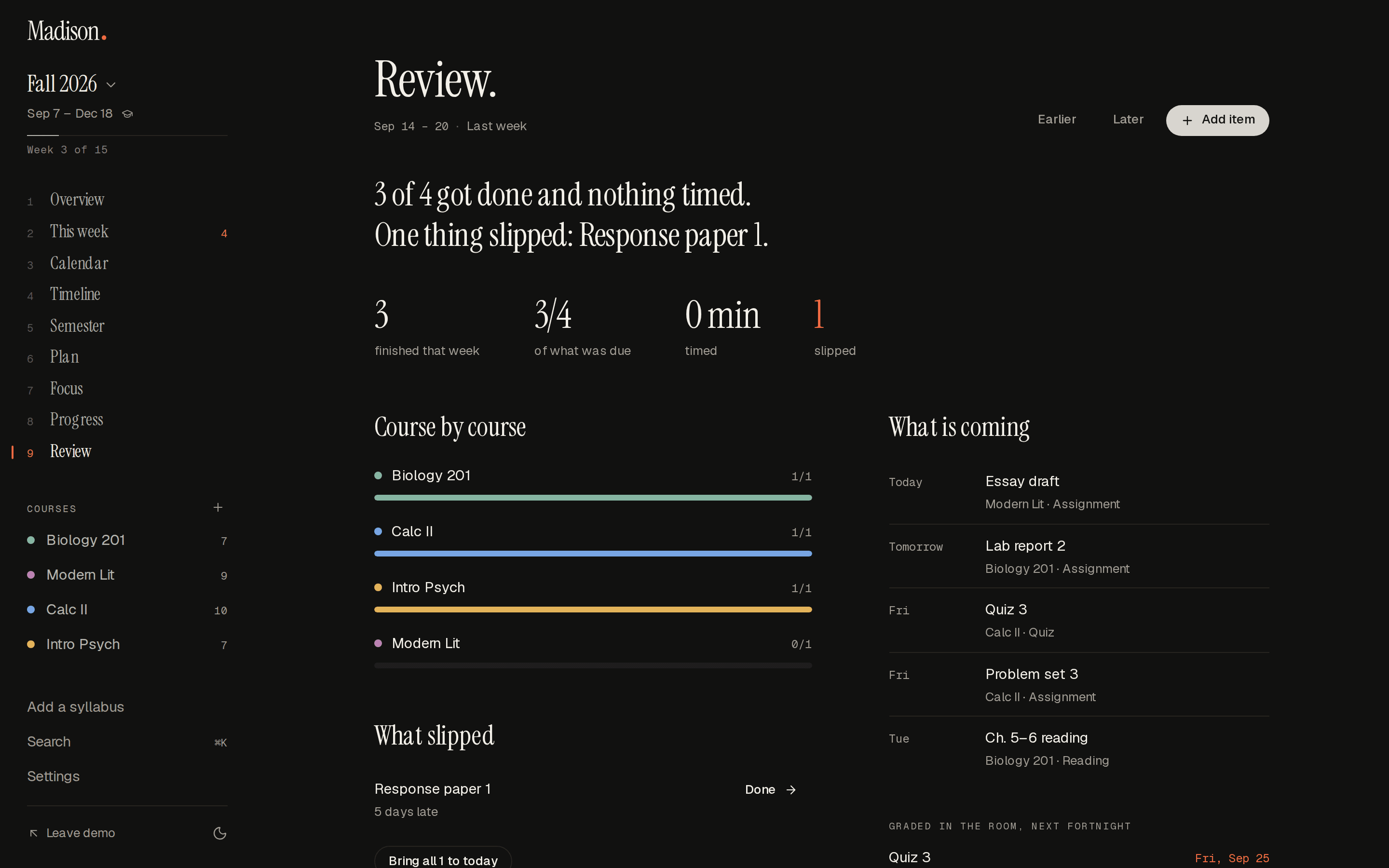
The week just gone and the one coming, written as sentences: what got done, what slipped, and the exams in the next fortnight.
A live calendar feed for Google, Apple or Outlook, a JSON backup of everything, or the printed page. What you put in comes back out.
Every one of these is real. Press a key now and watch it go down.
Six shapes of a term, each one something the planner actually draws.
Four courses, three midterms in nine days. The strip shows the pile-up weeks before it lands.
One long project across fifteen weeks, drawn haloed so the day is not mistaken for the work.
Shifts and practice go in as fixed, and the planner fits the studying around them.
Forty readings drawn small on purpose, so the exams still read first.
Reports with a time on them, a quiz every fortnight, the lowest one dropped as the syllabus says.
One page you can hand a teammate, with the whole course on it and nothing else.
Anything not here, write to us. There is an address in the footer and a person reads it.
PDF, Word (.docx), OpenDocument (.odt), plain text, Markdown, CSV or HTML — or just paste. The text is pulled out on your device. Scanned PDFs with no text layer are not readable yet.
Claude reads the text and returns exact names and resolved dates. Only the text you drop in is sent, and only to be read; nothing about it is kept. If the reader is unavailable a rules-based one runs on your device instead, and the review step says which one ran.
You review before anything is saved: fix a title, change a date, untick a guess. Anything it misses takes a few keystrokes with N, and the title field understands “Lab report 2 thu 5pm”.
A free one. Sign up with an email and a password and your plan is kept in your account, so it is there on your laptop, your phone and anywhere else you log in.
Into your account, and nowhere else. It is stored under your own login and shown only to you. Export a JSON backup any time, or a calendar file (.ics) to see the dates in Google, Apple or Outlook.
Nothing. Madison is free while it is being built, and this copy cannot take a card even if you wanted it to. The prices on the pricing page are what it will cost when it is finished.
Drop in the document you already have. It takes about a minute, and you can see the whole thing before you sign up for anything.
No card to start. Export any time.